








Local first
Your repositories, credentials, and agent sessions stay under your control.
Run coding agents in parallel. Manage your projects, repositories, and terminals in one place.
Your frontend, API and services can stay in separate repositories. Bring them into one Blackholes project and organize related branches in Worktree Groups, with agents and current context alongside the code.
Keep the architecture that works for your team. One Worktree Group can span your frontend, API and services, with a branch and worktree for each repository.
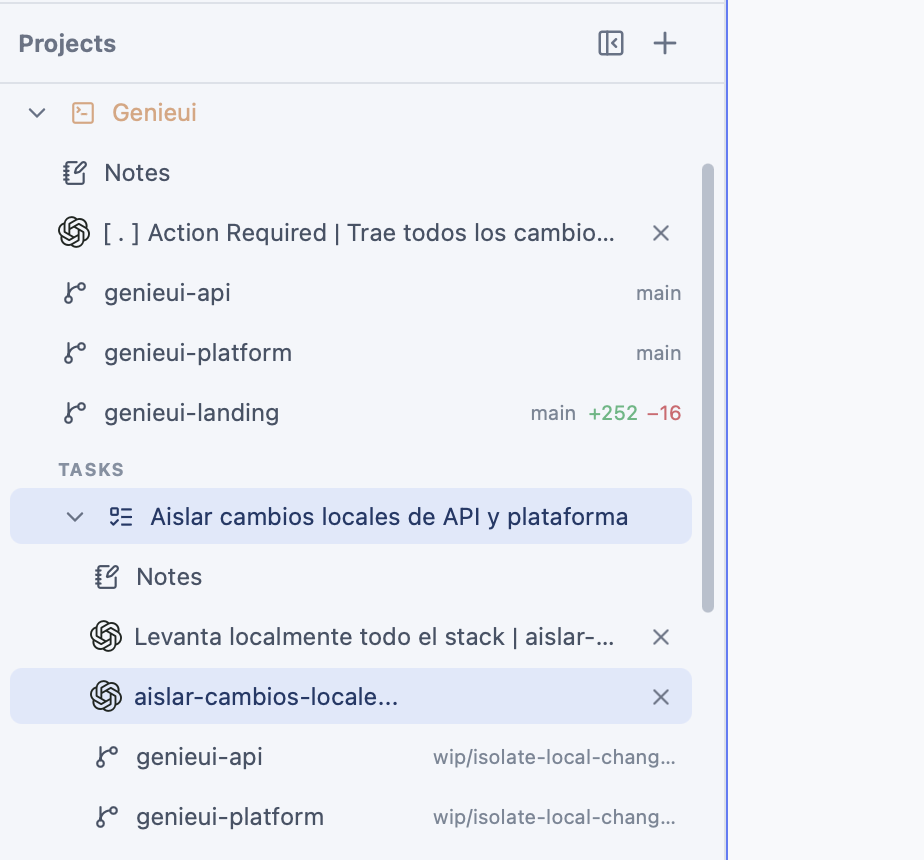
Start your coding agent in a Worktree Group with its repositories and current brief attached. Independent groups can move forward in parallel, each in its own workspace.
Move from an agent terminal to its Worktree Group, files and changes. Review each repository with the same focused interface and current context.
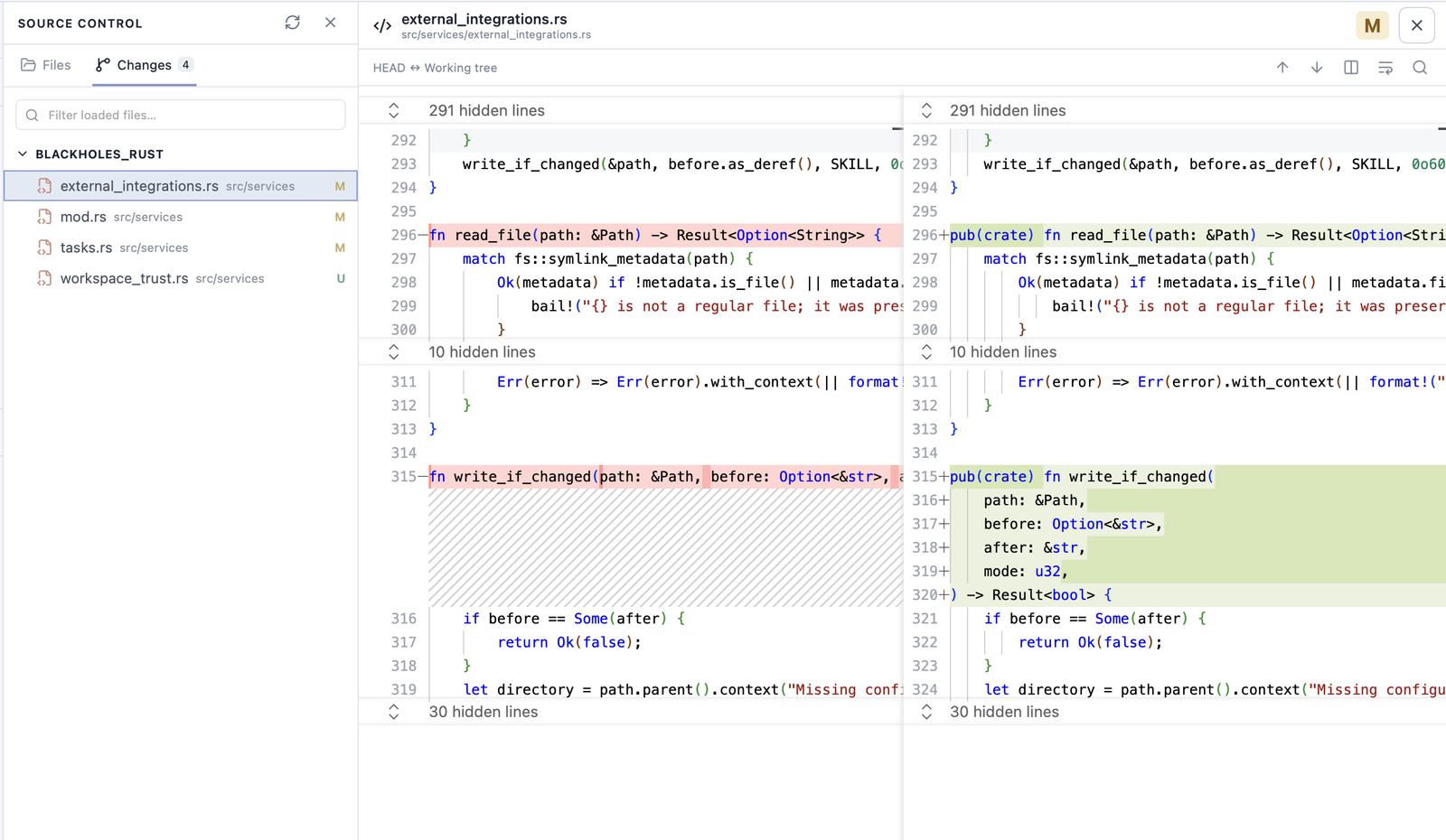
Your repositories, credentials, and agent sessions stay under your control.
Connect the repositories each Worktree Group needs while keeping your architecture.
Worktree Groups use Git branches and worktrees your team already understands.
Agents accelerate the work. You still decide what becomes product.
Creator of BlackHoles
No. A Blackholes project groups existing repositories. A Worktree Group brings the branches, worktrees, agents and current context for one piece of work together. Monorepos work too.
No. BlackHoles is a local desktop workspace that keeps projects, Worktree Groups, current context, files, Git changes, and terminal sessions together.
Chat with persistent agents powered by Claude, Codex, Gemini, or OpenCode, alongside your local terminals. Through OpenCode, you can also use providers such as Grok, Kimi, DeepSeek, Qwen, GLM, MiniMax, Mistral, and Groq. The planet mascots are visual designs for your agents, not models or fixed roles.
Each Worktree Group receives a separate Git worktree and branch for every selected repository. You can copy local changes and environment files when creating it. Worktrees isolate working files; repository commands still run on your computer.
Yes. The local Blackholes MCP lets Codex, Claude Code and other local clients inspect projects, create and open Worktree Groups, maintain their current context and PR links, and close groups with explicit terminal and file policies.
Review one confirmation with its terminals, changes and extra files. Closing removes the managed worktrees and group folder to reclaim disk; branches are kept by default. Restorable sessions without processes no longer block cleanup.
Yes. Agents run through the CLI tools already installed and authenticated on your computer. BlackHoles does not require a shared agent account.
Follow Blackholes development and releases on GitHub.
View on GitHub